How to Transcribe a Podcast in 10 Minutes
June 8, 2026
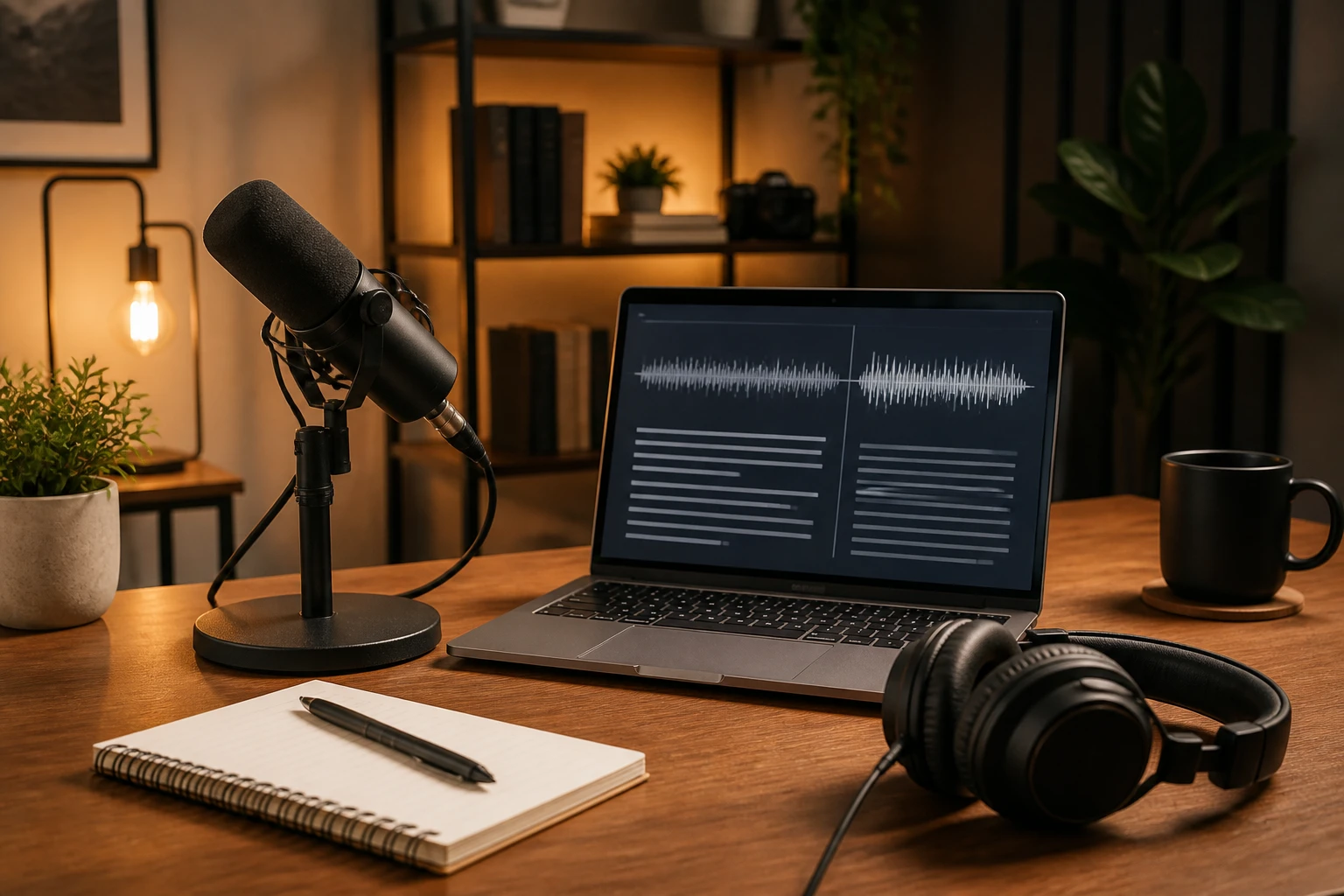
The old way: export your audio, upload it to a transcription service, wait an hour, download a shaky transcript, spend another hour cleaning it up, and hope you did not lose the file link when the trial ran out.
The better way: transcribe a podcast in about ten minutes, start to finish, on your own Mac, with everything staying on your device. Here is exactly how that works.
What You Need
- A podcast episode (MP3, M4A, WAV, or FLAC)
- Pandascribe installed on your Mac
- About 10 minutes of unencumbered work time
That is the full list. No account creation, no cloud upload, no per-minute pricing.
Step 1: Import Your Episode
Open Pandascribe and drag your audio file directly onto the app window. You can also use File > Import Audio. The file stays local. Nothing gets uploaded anywhere.
Pandascribe supports all common audio formats, so you do not need to convert files before importing.
Step 2: Choose Your Transcription Model
Pandascribe offers two transcription layers:
- Standard — fast, accurate for clean audio in standard English
- Enhanced — slower but better with multiple speakers, background music, or accented speech
For a typical podcast with two to four speakers and clean audio levels, Standard is usually sufficient. For interviews with ambient noise or heavy accents, Enhanced is worth the extra wait.
You can switch models at any time before starting transcription.
Step 3: Run Transcription
Click the Transcribe button. For a 30-minute episode, Standard mode typically completes in two to four minutes. Enhanced mode may take six to eight minutes.
While you wait, you can continue working on other things. Transcription runs in the background.
Step 4: Use AI Instructions for Clean Output
This is the step most guides skip. Pandascribe includes an AI Instructions field where you can tell it how to format your transcript.
For a podcast, a useful instruction set looks like this:
- Label speakers as "Host" and "Guest" or use their names if known
- Remove filler words like "um" and "uh" but preserve the sense
- Format as a spoken-word transcript with clear speaker labels
- Preserve technical terms, product names, and proper nouns accurately
You can save your preferred instruction template and reuse it across episodes, so every future transcription inherits the same format without retyping instructions.
Step 5: Export
When transcription finishes, you have several export options:
- Plain text (.txt) — for pasting into show notes, documents, or newsletters
- SRT subtitles — for adding closed captions to your podcast video or YouTube upload
- VTT — web-compatible subtitles
- Markdown — preserves speaker labels and formatting if you want to publish the transcript as a blog post
For most podcasters, exporting as plain text for show notes and SRT for video captions covers the bases.
How Long Does Each Step Actually Take?
| Step | Time |
|---|---|
| Import audio | 30 seconds |
| Select model | 15 seconds |
| Transcription (30-min episode, Standard) | 3 to 5 minutes |
| AI formatting and review | 2 to 3 minutes |
| Export | 30 seconds |
| Total | Under 10 minutes |
The variation comes down to audio quality and model choice. Enhanced mode on noisy audio takes longer but produces noticeably better results.
Why Not Just Use a Free AI Transcription Tool?
Free tools have catches. Most impose per-minute limits, delete your files after a trial period, require accounts, or route your audio through cloud servers you do not control. For podcasters who care about content ownership, those tradeoffs add up.
Pandascribe processes everything locally. Your audio never leaves your machine. The transcript is yours to edit, publish, or sell without restrictions.
Who This Is Best For
This workflow works well for:
- Podcasters who publish full transcripts alongside episodes
- YouTube creators who need captions for video episodes
- Journalists and researchers who interview subjects and need written records
- Content teams repackaging podcast episodes into blog posts, newsletters, or quote cards
If you are producing more than two episodes per week, you will want to establish a consistent AI instruction template early. It removes the biggest variable from your post-production workflow.
The Bottom Line
Transcribing a podcast in ten minutes is realistic with the right setup. Import, transcribe, apply AI instructions, export. That is the full workflow. The first time you do it, budget a few extra minutes for setup. After that, ten minutes is plenty.
Download Pandascribe at pandascribe.app. The lifetime license covers transcription without per-minute fees or cloud dependencies.