PandaScribe 1.8: long dictations clean up 3x faster, with the same text
November 5, 2026
TL;DR
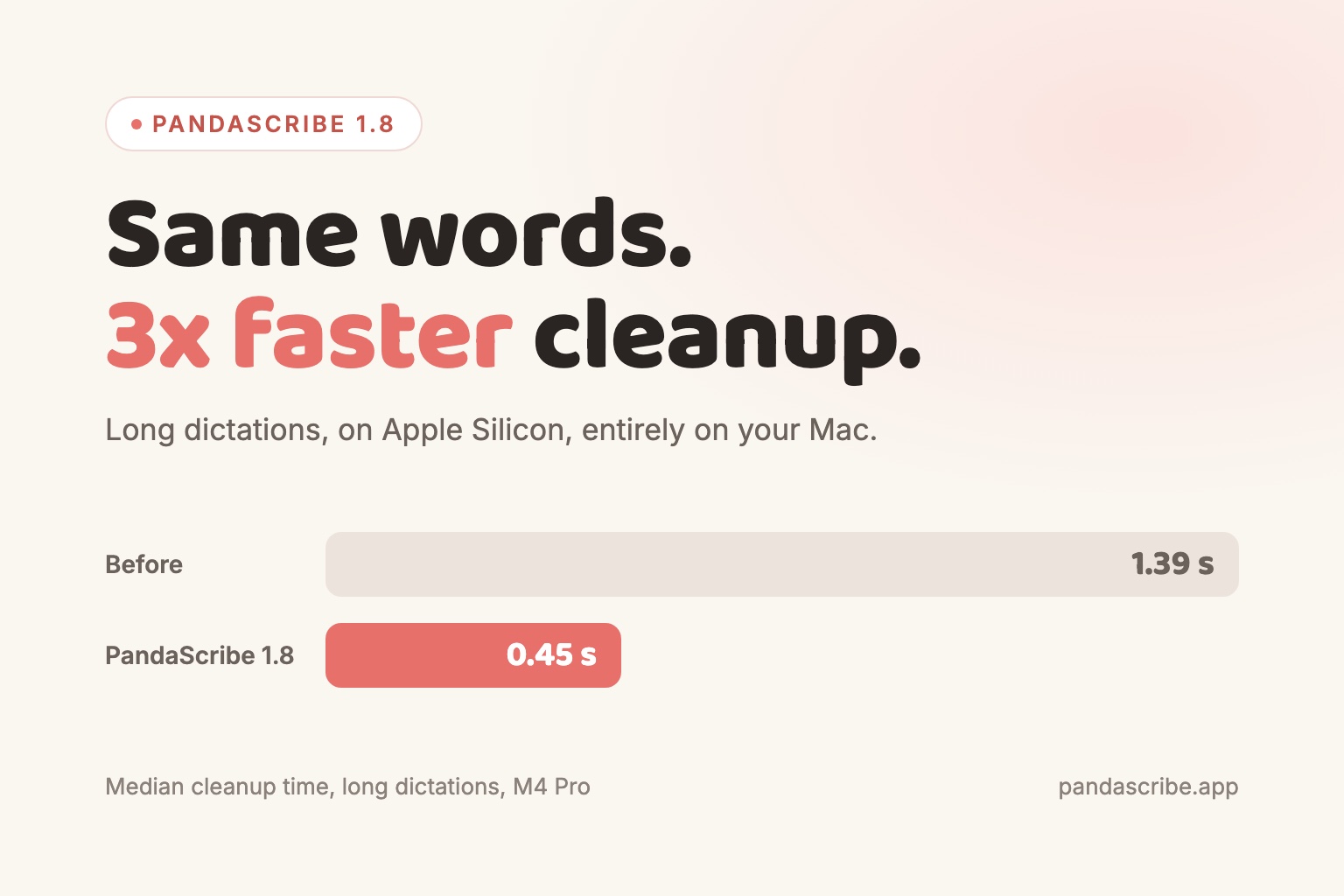
PandaScribe 1.8 cleans up long dictations up to 3x faster on Apple Silicon Macs, with identical output, still entirely on your computer.
When you let go of the dictation key, PandaScribe does two things on your Mac. It turns your voice into text, then a small language model cleans that text up: it removes the "um"s and false starts, fixes punctuation, and keeps only the correction when you change your mind mid-sentence.
That second step has always been the slow part for long dictations. A minute of talking could mean more than a second of waiting before the text appeared. In 1.8, on Apple Silicon Macs, it is about three times faster for long dictations, and you get exactly the same text you got before.
How it got faster without changing the output
A language model writes one word piece at a time, and each piece costs a full pass through the model. But cleaned-up dictation is mostly your own words. When the model is partway through your sentence, the next few words are almost always the ones you already said.
So PandaScribe now looks back at what you said, guesses the next several word pieces from it, and asks the model to check all of those guesses in a single pass. Every guess the model agrees with is kept. The moment it disagrees, PandaScribe throws the rest away and uses the model's own choice. The model still has the final say on every single word, which is why the text comes out the same.
This technique is known as speculative decoding. The version we use, prompt lookup, needs no second model and no extra download. It fits dictation cleanup almost perfectly, because so much of the output is already sitting in the input.
The numbers
We measured it on the 123 dictations in our cleanup test set, on an M4 Pro, running the same build with the change on and off:
| Before | After | |
|---|---|---|
| Long dictations (median cleanup time) | 1.39 s | 0.45 s |
| All dictations | about 1.5x faster | |
| Text produced | identical |
The longer you talk, the bigger the difference, because there is more of your own text for PandaScribe to reuse.
Where it applies
- Apple Silicon Macs: on, automatically. Nothing to set up.
- Rewrite for clarity: same speed as before. Rewrite changes more of your wording, so fewer guesses land, and PandaScribe switches the shortcut off when it would not help.
- Windows and Intel Macs: unchanged for now. These run the cleanup model on the processor, where checking a batch of guesses costs more than it saves on short dictations. We are working on it.
Everything still runs on your computer. Nothing is uploaded, and it still works with no internet connection.
Also in 1.8
- Copy Screenshot. Press Option+Shift+S (Alt+Shift+S on Windows) to copy the front window to your clipboard, ready to paste into ChatGPT, Claude, Slack or an email. Dictate your question, paste the screenshot, send.
- Updates that install themselves. PandaScribe now downloads updates in the background and installs them when you are not dictating. You can also pick "Restart to Update" from the menu bar icon.
Getting it
If you are on 1.7.17 or later, 1.8 installs itself within a few hours, at a moment when you are not dictating. Otherwise, download it from pandascribe.app/download.